



 armandsalle
Armandsalle Personal Site
My personal website built with Next.js, Tailwind CSS, and TypeScript.
- 83
- GitHub stars
- Free
- Price
- Jan 31, 2025
- Updated
 Open Armandsalle Personal Site
Overview
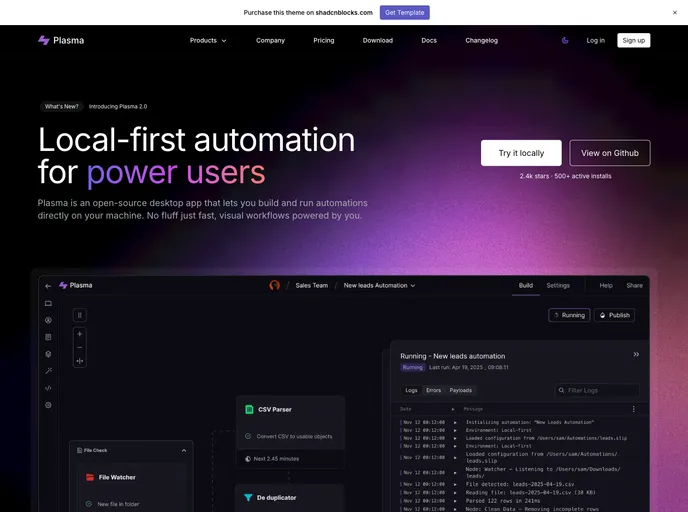
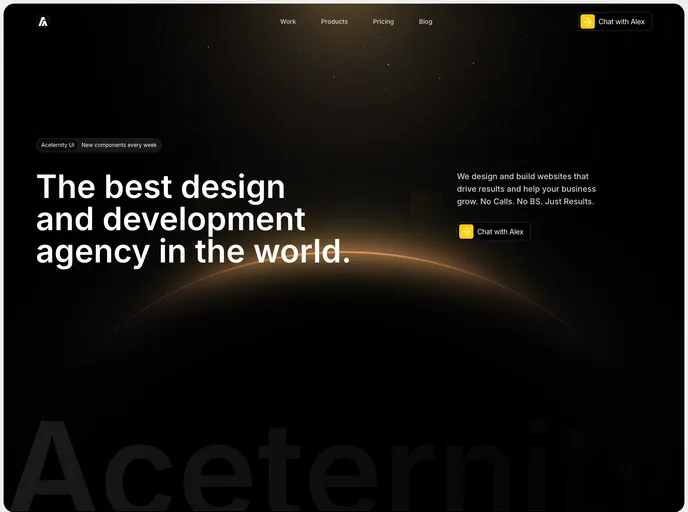
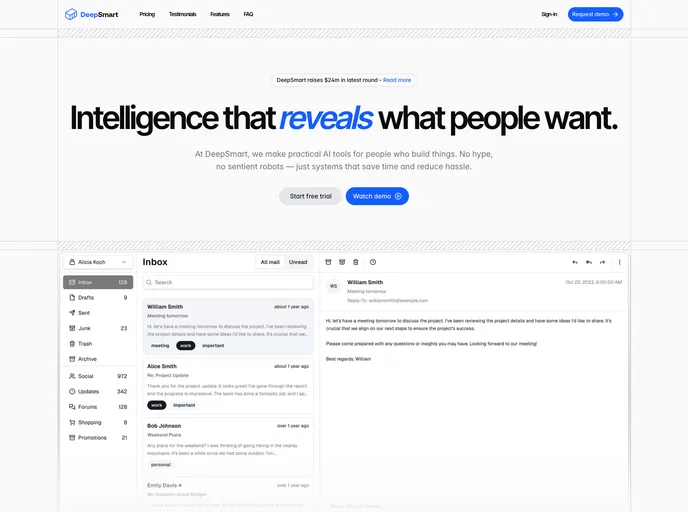
The small website created with Astro is a simplistic yet visually appealing platform designed to provide information to visitors. Astro has been utilized to build this site, offering a lightweight, efficient, and modern development environment.
Features
- Simplicity: The website's design is kept minimalistic for easy navigation and a clean user experience.
- Efficiency: Astro ensures a fast and optimized performance, enhancing the overall speed of the website.
- Modern Design: The site benefits from a contemporary look and feel, making it visually appealing to visitors.
Installation
To install the Astro theme for a small website, follow these steps:
- Make sure you have Node.js installed on your system.
- Create a new project by running
npx create-astro@latest my-website. - Navigate to the project directory using
cd my-website. - Start the development server with
npm start. - Build the website for production using
npm run build.
Summary
The small website created with Astro provides a user-friendly and efficient platform for delivering information. By leveraging the simplicity, efficiency, and modern design features of Astro, the site offers a streamlined browsing experience for visitors. The installation process is straightforward, making it easy for users to set up their own website with this theme.