



 Shadcnblocks
Shadcnblocks IDE Extension
Browse, preview and install 2,500+ Shadcnblocks blocks from the sidebar of VS Code, Cursor, Windsurf and other VS Code-based editors.
- Free
- Price
- Oct 26, 2026
- Listed
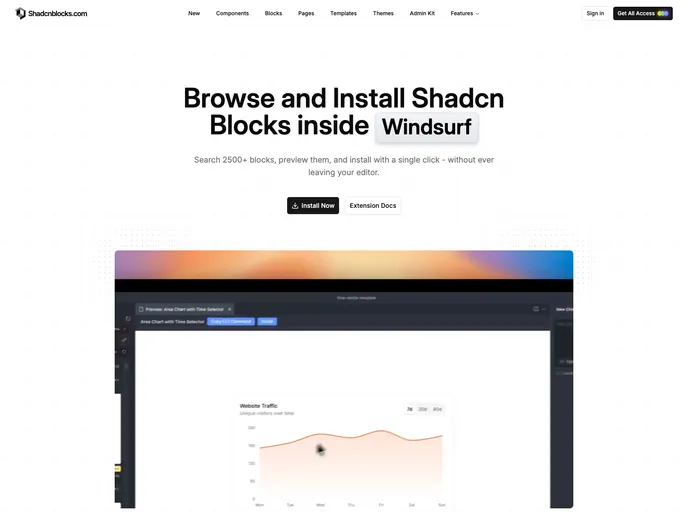 Open Shadcnblocks IDE Extension
Overview
The Shadcnblocks IDE Extension brings the Shadcnblocks library into the editor. It adds a Shadcnblocks panel to the activity bar where you can search and filter more than 2,500 blocks by category, archetype or keyword, read a block's source before installing it, and add it to the project with one click. Installs run through the shadcn CLI, so blocks land in the project the same way as a manual npx shadcn add.
It works in VS Code, Cursor, Windsurf, Antigravity and any other editor that supports VS Code extensions. Free blocks work straight away; Pro blocks need a Shadcnblocks API key in the extension settings.
Features
- Sidebar browser: Search and filter 2,500+ blocks by category, archetype or keyword
- Free and Pro filters: Show only free blocks, or include Pro blocks with an API key
- Source preview: Read a block's code before it is added to the project
- One-click install: Runs the shadcn CLI for you
- Favorites: Saved blocks persist across sessions
- Always current: New blocks appear without updating the extension
Supported editors
- VS Code
- Cursor
- Windsurf
- Antigravity
- Other VS Code-compatible IDEs