



 nekode
nekode/ui
Composed ready to use shadcn components, just plug and play.
- Free
- Price
- Sep 21, 2026
- Listed
 Open nekode/ui
Overview
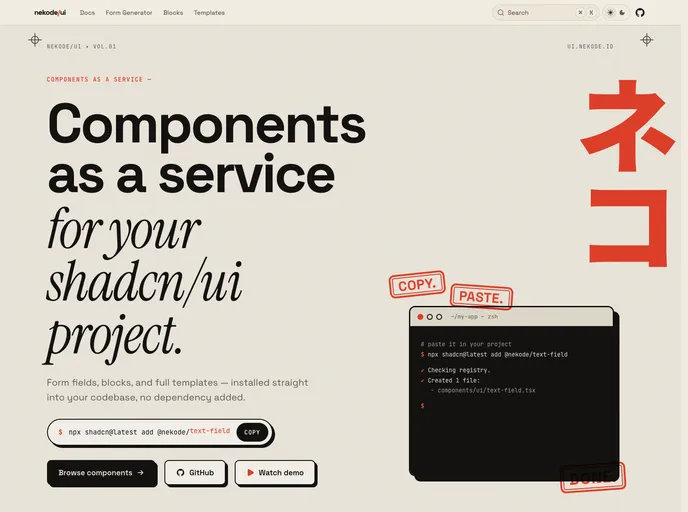
nekode/ui describes itself as "components as a service" for shadcn/ui projects: form fields, blocks and full templates installed straight into a codebase through the shadcn registry, with no package dependency added. Each form field is a drop-in replacement for the standard shadcn/ui input and uses the project's existing tokens.
The registry has 29 items, centered on accessible form fields built with Base UI, plus ready-made auth and contact forms. A Form Generator lets users pick fields, split them into steps and copy the source of a working form built with TanStack Form and Zod, along with a single install command for every field it uses.
Features
- Form fields: Text, number, textarea, password, select, combobox, multi-select combobox, checkbox, radio, switch and file fields.
- Date and time: Date picker, date range picker, multi-date picker and time picker fields built on react-day-picker and date-fns.
- Form Generator: Builds single or multi-step forms with TanStack Form and Zod validation and outputs the source.
- Form blocks: Login, register, multi-step register, forgot password and contact forms.
- Extras: Data table, dialog modal, marquee, number ticker and text typer.
- Accessibility: Focus order, ARIA roles and error announcements are keyboard and screen reader tested.
- No lock-in: Components land as plain code in
components/ui, with no package to update.
Tech stack
- React, shadcn/ui, Base UI, TanStack Form, Zod, date-fns, lucide-react
Registry
Install via the shadcn CLI registry:
npx shadcn@latest add @nekode/component-name